Apple Watch vs. Whoop: One Year of Sleep Tracking Insights
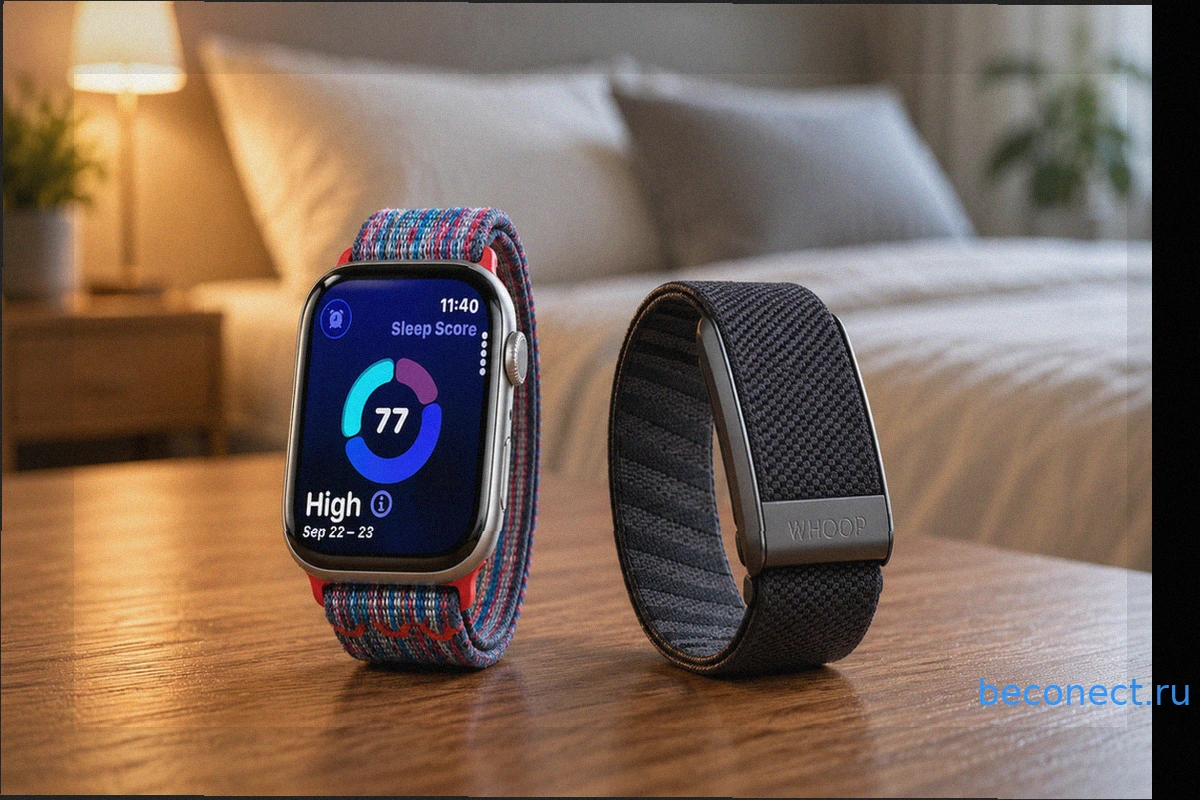
After a full year of rigorous testing with both the Apple Watch 10 and Whoop MG as sleep trackers, my conclusion is clear: for most individuals, the Apple Watch offers superior value. Whoop's advanced features are primarily justified for those with serious athletic pursuits. This article outlines the key insights from my experience and what they mean for anyone deliberating between these two prominent devices.
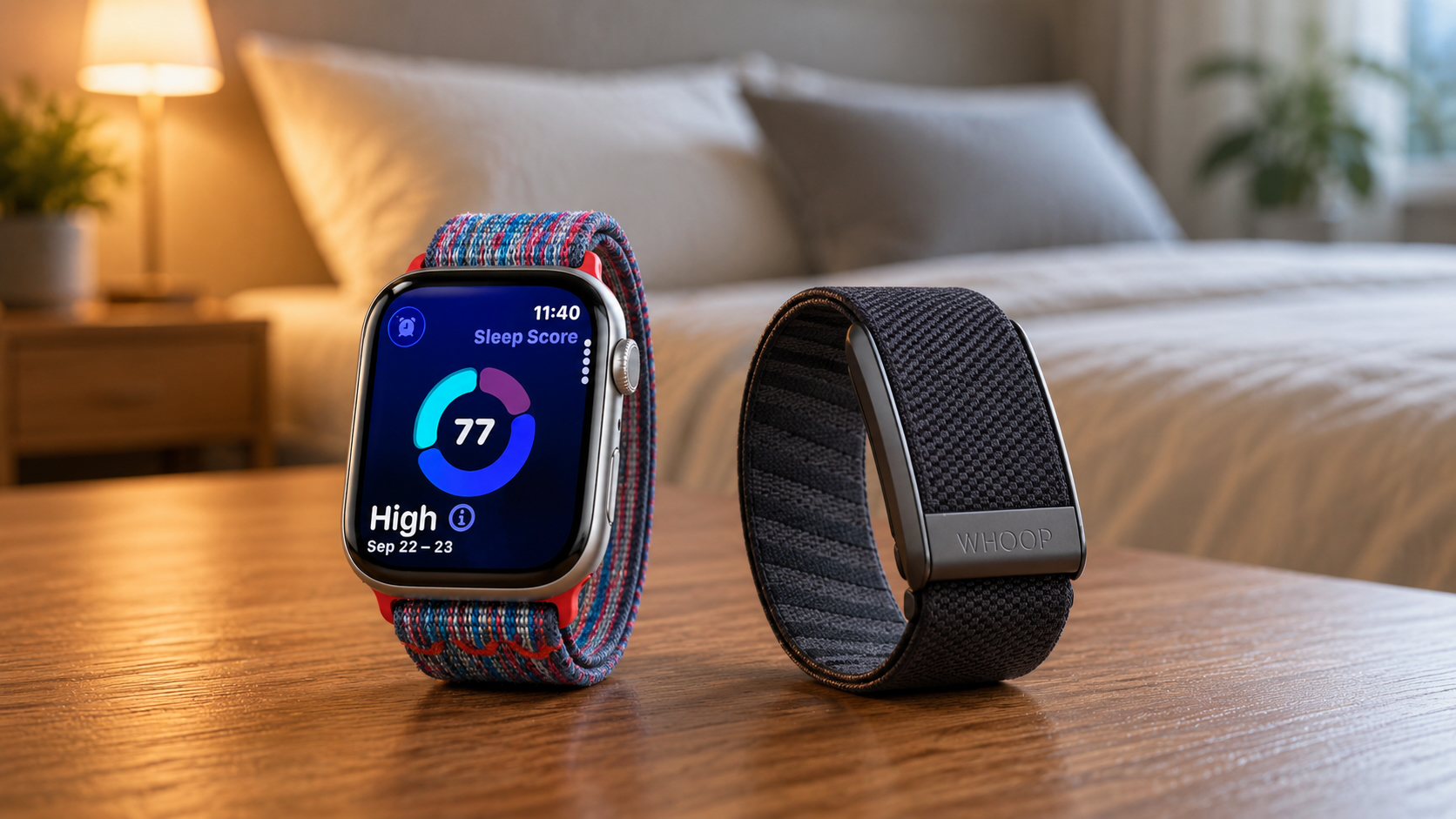
Apple Watch vs. Whoop: Key Differences
The Apple Watch functions as a comprehensive smartwatch, featuring a screen, notifications, payment capabilities, and cellular connectivity for calls. In contrast, Whoop is a screenless fitness strap that operates exclusively through its companion smartphone app. Initially designed as a recovery tool for professional athletes, Whoop has gained traction among general users seeking in-depth sleep data.
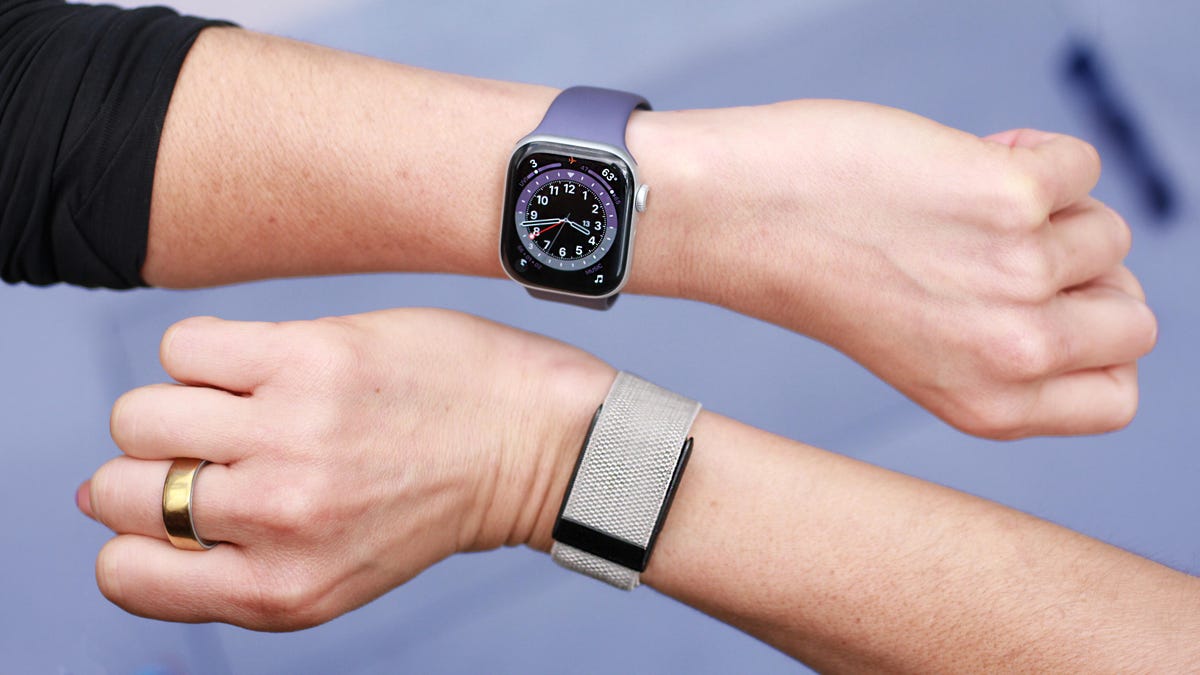
The most significant practical distinction is that Whoop provides no on-wrist display; all data must be viewed within its app. While this lack of a glowing screen is beneficial for sleep, it becomes a drawback when one needs to quickly check heart rate or notifications.
Whoop Subscription Model: Plans and Features
Whoop employs an unconventional subscription model: the device itself is provided for free, but access to its data and features requires an annual membership fee. There are three tiers:
- Whoop One – $199 per year, includes the basic 5.0 tracker and a standard band.
- Whoop Peak – $239 per year, adds wireless charging and features like Healthspan, Health Monitor, and Stress Monitor.
- Whoop Life – $359 per year, provides the Whoop MG device, medical-grade blood pressure measurement, and ECG capabilities.
The Apple Watch 10 is a one-time purchase, with software updates delivered via iOS without any recurring fees. Notably, within just two years, the cumulative cost of a Whoop subscription can surpass the initial purchase price of an Apple Watch, considering the continuous renewal requirement.
Battery Life: Apple Watch vs. Whoop
The difference in battery life is substantial. Whoop boasts an impressive battery life of up to 14 days, whereas the Apple Watch typically lasts around 18 hours, extending to a maximum of 36 hours in low-power mode. This means Whoop outlasts the Apple Watch by more than 18 times when operating at full capacity.
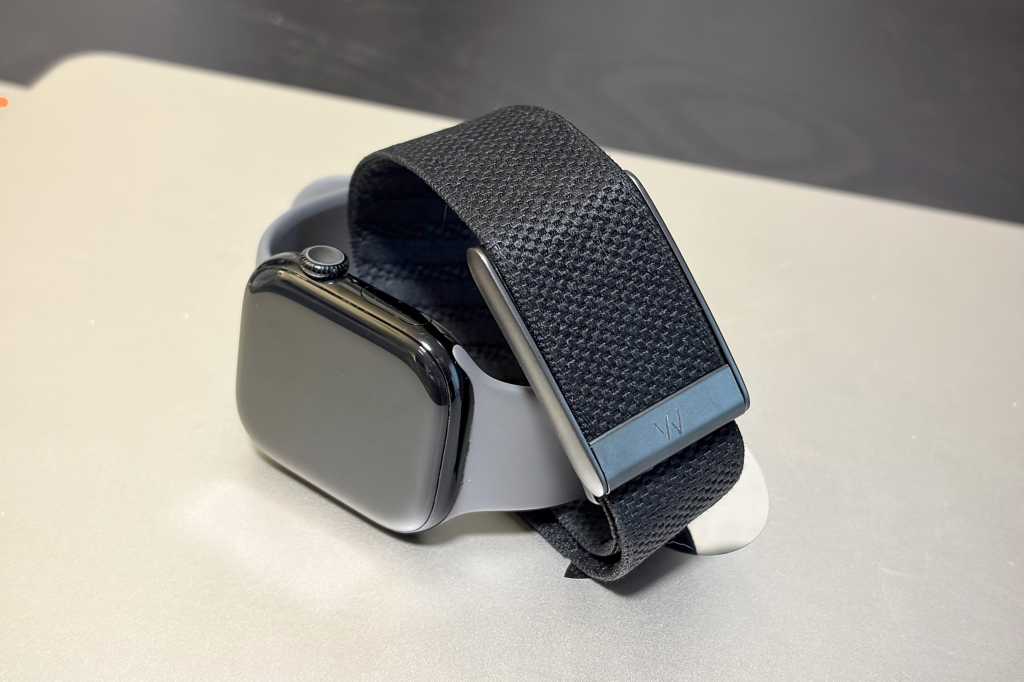
Whoop also offers a practical wireless charging solution that clips directly onto the band. This allows users to recharge the device without removing it, enabling continuous sleep tracking throughout the night. However, this convenient charging feature is only available with the Peak and Life subscription tiers.
The limited battery life of the Apple Watch is a well-known concern, particularly when compared to devices like Garmin or Whoop. In practical terms, this necessitates daily charging, which typically occurs either in the morning during a shower or in the evening before bed—precisely when a sleep tracker is expected to be active.
HRV, Sleep Stages, and Apnea: Data Insights from Apple Watch and Whoop
Whoop delves deep into biometric data. Each morning, users receive a comprehensive Sleep Performance Score, which evaluates the night based on sleep stages, disturbances, efficiency, consistency, and sleep-related stress. Additionally, a Sleep Sufficiency metric compares actual sleep duration against the amount genuinely needed, factoring in sleep debt and daily exertions.
Furthermore, Whoop incorporates an AI Sleep Coach that interprets the daily score and recommends optimal bedtime based on accumulated sleep debt. During my marathon training, these specific data points, particularly Heart Rate Variability (HRV) and VO2 max, proved exceptionally beneficial.
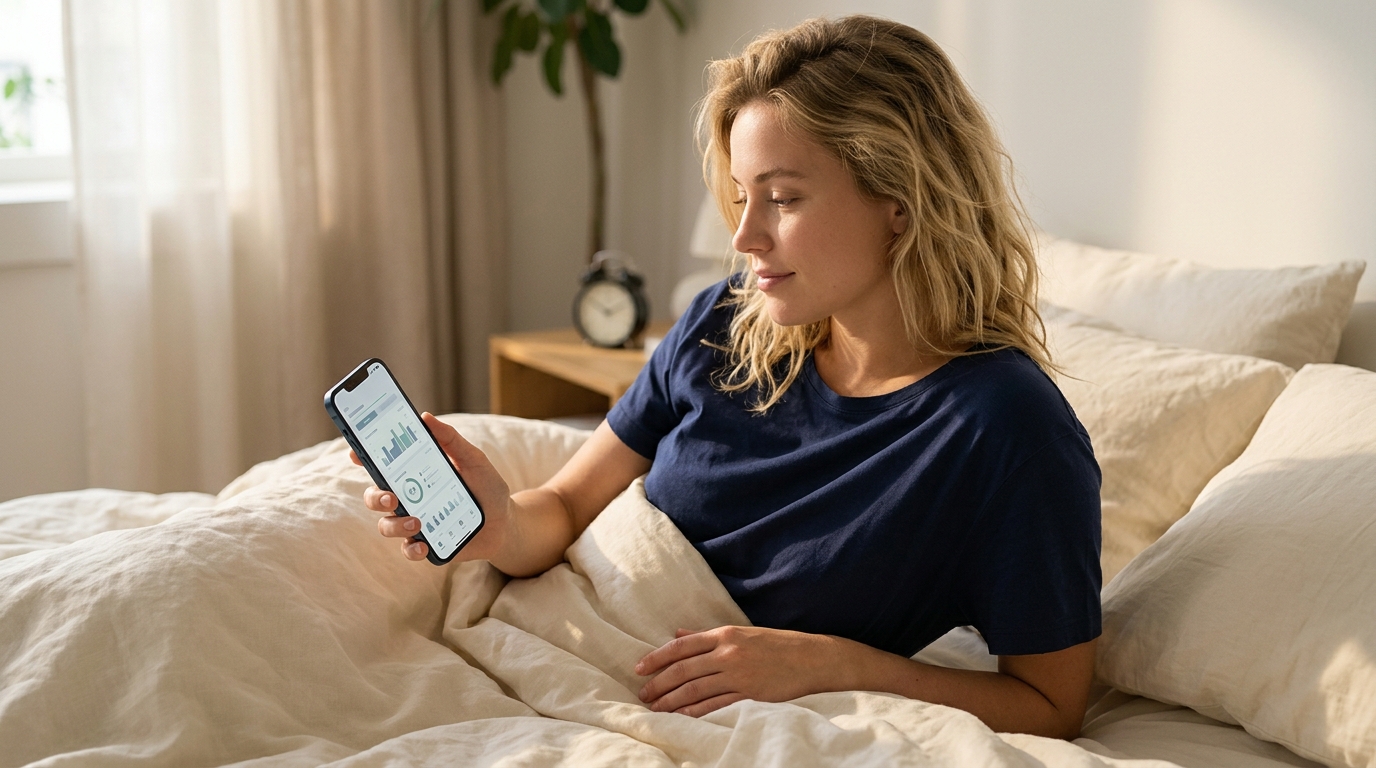
The Apple Watch 10 displays sleep duration, stages, bedtime regularity, number of awakenings, and an overall sleep assessment within the Apple Health app. This level of detail is ample for most users. Moreover, the Apple Watch features an FDA-approved sleep apnea detection function, which monitors breathing patterns and alerts users to suspicious irregularities. Whoop currently lacks similar certified health functionalities.
An important note for those considering an upgrade: if you own an Apple Watch Series 10 running watchOS 26, your sleep tracking experience will be largely identical to that on Series 11. The Series 11 primarily offers enhancements in battery life (an additional six hours), 5G connectivity, and a more durable display, rather than significant new sleep-related features.
Whoop vs. Apple Health: Clarity of Sleep Data
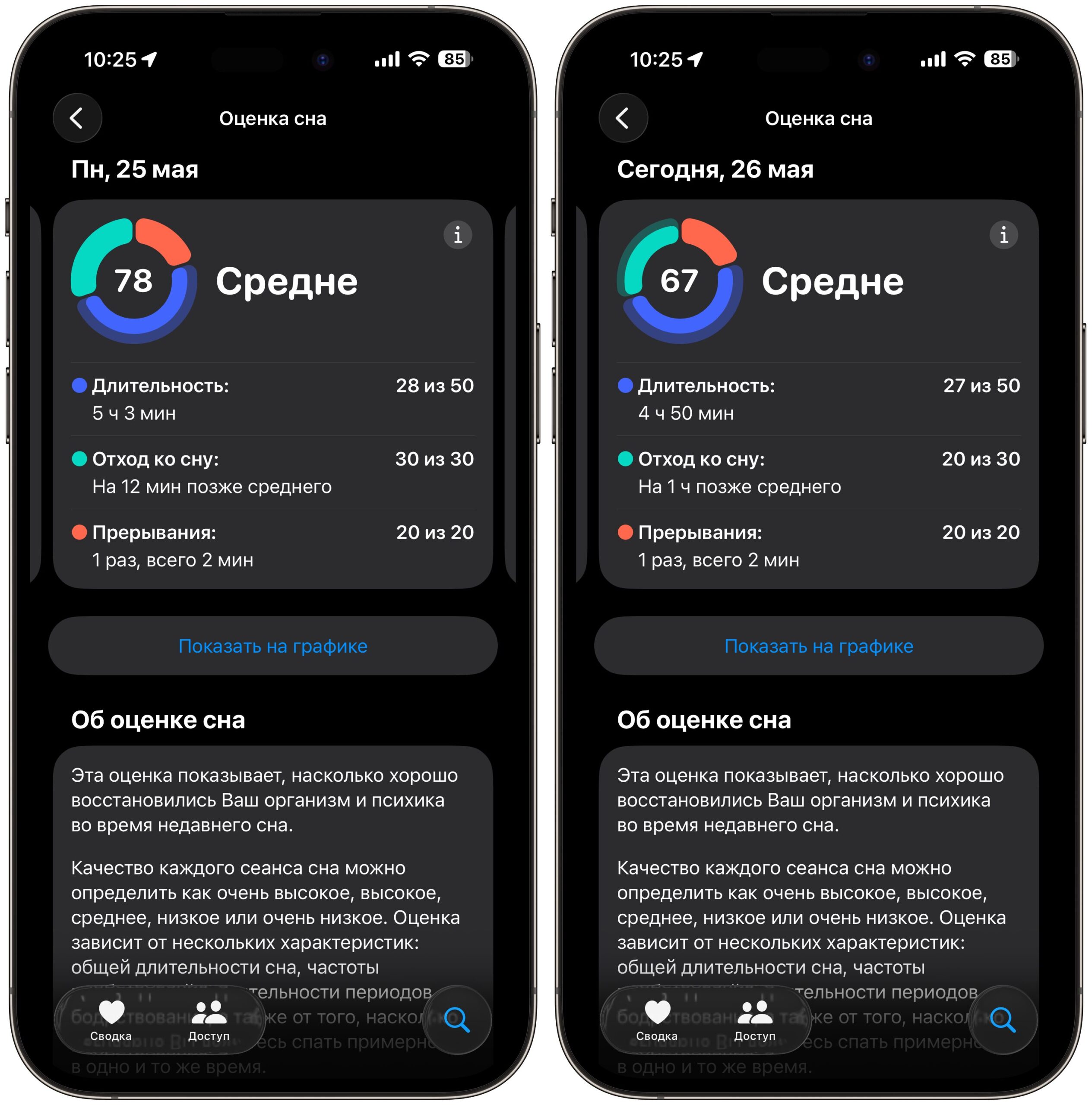
Apple Health presents a sleep score, sleep stage graph, and a "Vitals" section detailing heart rate, respiratory rate, and wrist temperature, with indicators showing if these values fall within your typical range. Users can also set sleep goals and schedules for different days of the week.
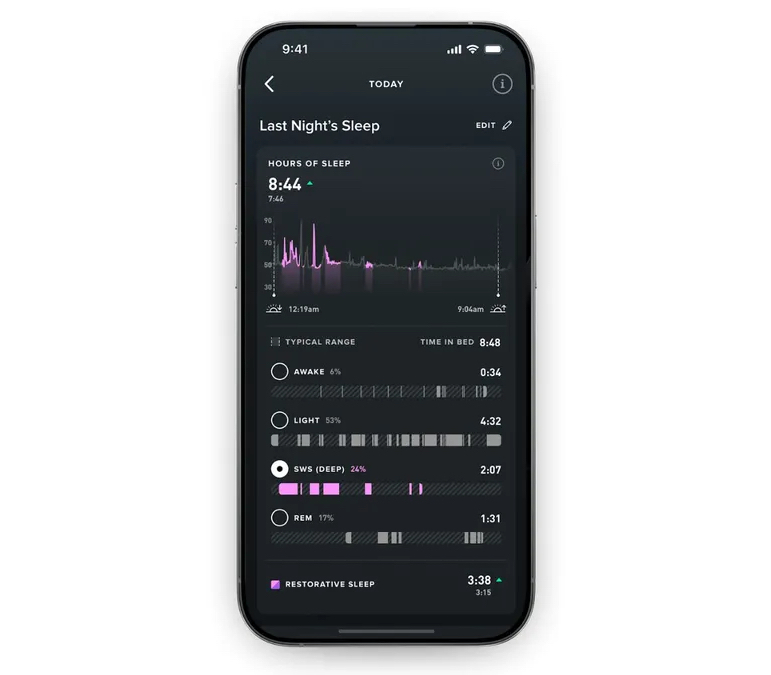
Whoop’s interface is more data-dense, featuring numerous percentages, graphs, and metrics. However, its app includes a sleep journal where users can log caffeine intake, alcohol consumption, and other habits, while its AI coach provides personalized advice tailored to individual data. Apple Health also offers sleep recommendations, but these are more general and do not adapt to specific metrics.
There's also a downside to a screenless tracker: to review your data, you must immediately reach for your phone in the morning, which, in my opinion, is not conducive to healthy sleep habits.
Apple Watch or Whoop: Which to Choose for Sleep Tracking?
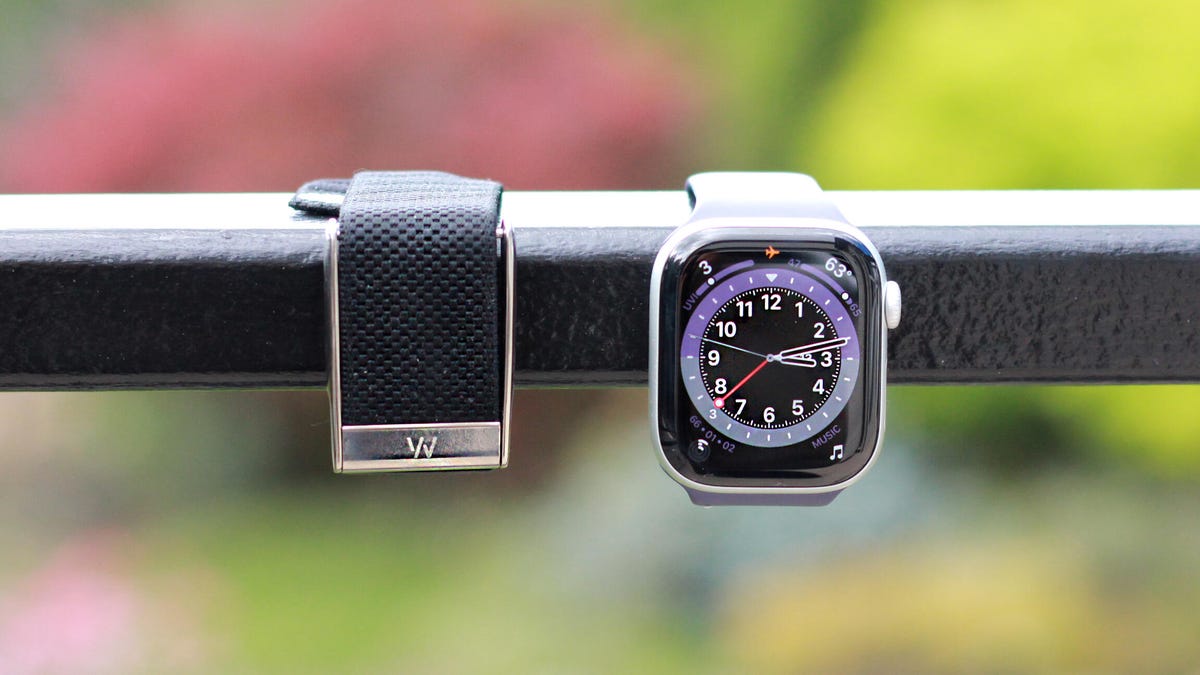
The short answer: if you're not a professional athlete, opt for the Apple Watch. It's a convenient smartwatch that also offers competent sleep tracking, with no ongoing subscription fees after the initial purchase. For most users, the data provided by Apple is more than sufficient, complemented by its medically approved sleep apnea detection.
Whoop becomes a worthwhile investment if you are actively focused on physical performance: preparing for a marathon, triathlon, engaging in serious training, and needing to understand sleep's impact on recovery. In such scenarios, the subscription is justified as a dedicated training tool, rather than merely a sleep tracker.
However, if wearing any device on your wrist at night is bothersome, neither of these options will be suitable. In that case, contactless sleep trackers, which are placed under the mattress, might be a better alternative.
Похожие новости в рубрике «Приложения для iOS»
Все материалы →
Ferrari Luce: Электрокар Джони Айва и призрак Apple Car
Компания Ferrari представила свой дебютный электромобиль Luce, дизайн которого был разработан Джони Айвом, бывшим ведущим дизайнером Apple. Айв, известный созданием внешнего вида iPhone, iMac и MacBook, придал автомобилю черты, которые многие считают воплощением нереализованного проекта Apple
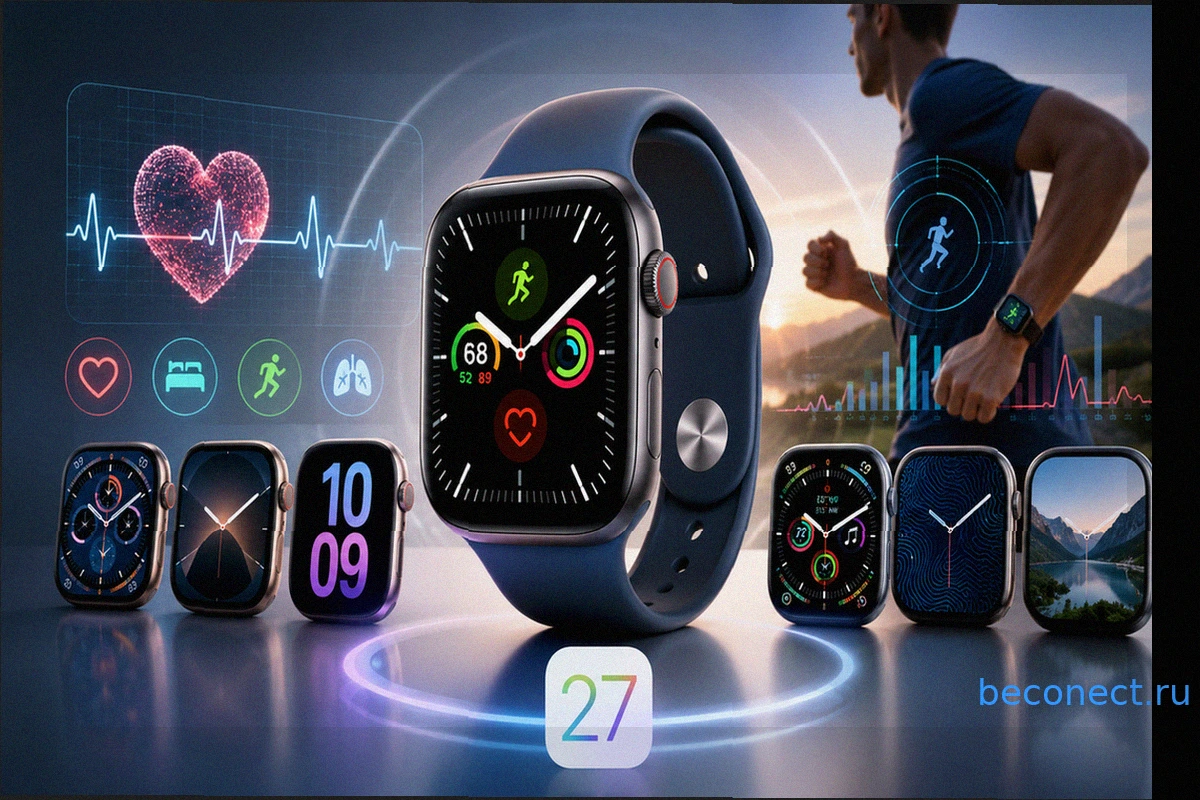
watchOS 27: новые функции, циферблаты и дата выхода следующей ОС для Apple Watch
Apple готовится представить watchOS 27 — новую операционную систему для своих умных часов. После обсуждений о новшествах iOS 27, внимание теперь сосредоточено на watchOS. Среди ожидаемых улучшений — доработанный мониторинг сердцебиения, свежие дизайны циферблатов и загадочный ИИ-тренер по здоро
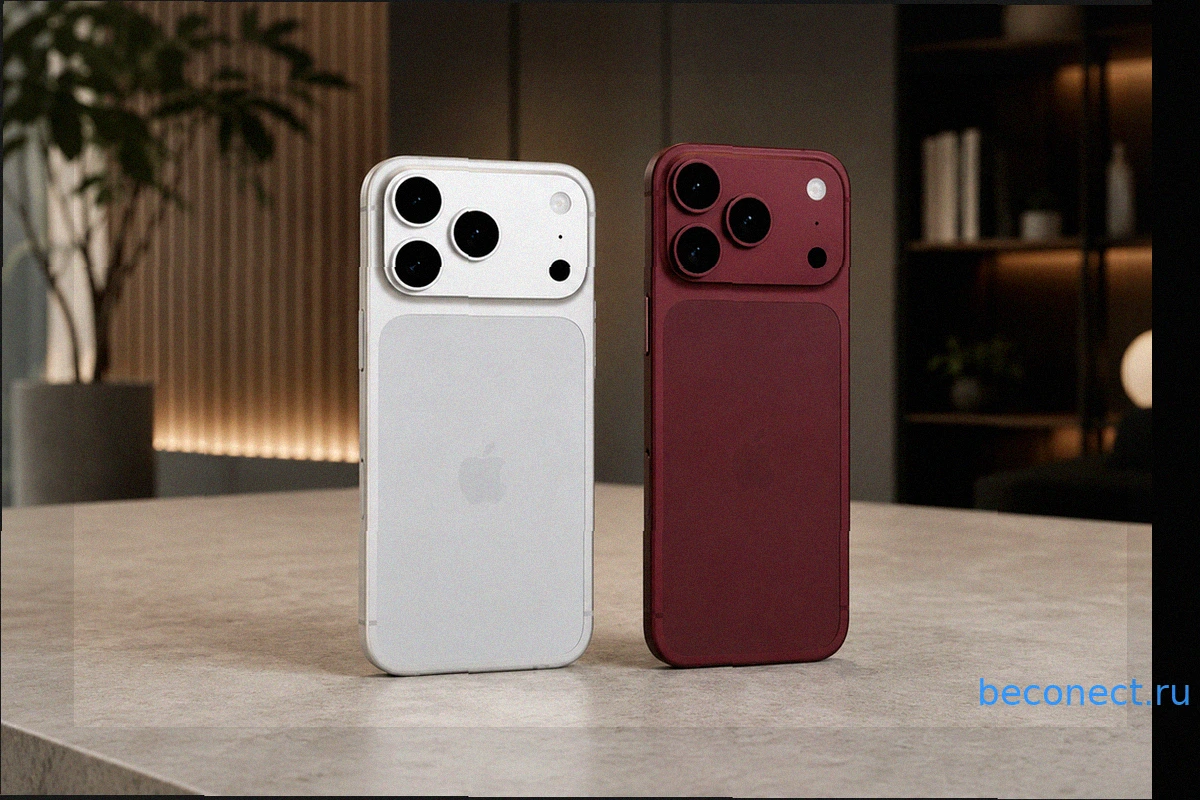
Главные изменения iPhone 18 Pro и 18 Pro Max раскрыты до официальной презентации: защитные стекла демонстрируют новый дизайн
Хотя до официальной презентации iPhone 18 Pro и iPhone 18 Pro Max ещё несколько месяцев, производители аксессуаров уже активно готовятся к выходу новинок. В интернете появились фотографии защитных стекол для этих моделей, которые позволяют получить представление о дизайне будущих флагманов App

Мой опыт покупки Apple Watch Series 10 из Дубая на Wildberries: От заказа до получения
Многие уже знают, что на Wildberries доступна техника Apple из других стран, зачастую по весьма привлекательным ценам. Однако одно дело читать об этом, и совсем другое — пройти весь процесс самостоятельно. Как долго идёт доставка? Возникнут ли проблемы с таможней? Есть ли риск получить подделк
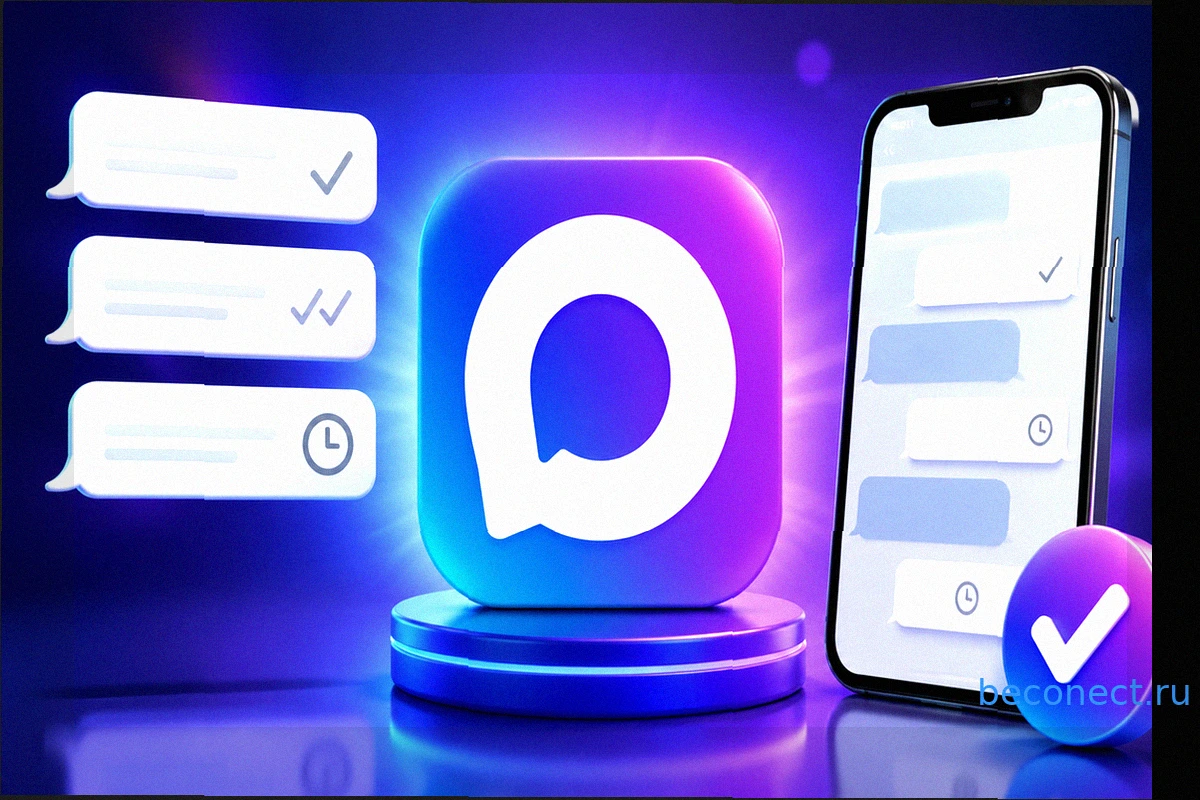
Что означают галочки на сообщениях в мессенджере МАКС
Мессенджер МАКС, несмотря на кажущуюся простоту с его двумя статусами доставки (в отличие от стандартных трёх), часто вызывает недопонимание. Пользователи задаются вопросом: что означает одна галочка, которая не меняется часами? Зависло ли сообщение, игнорирует ли собеседник, или же произошла б
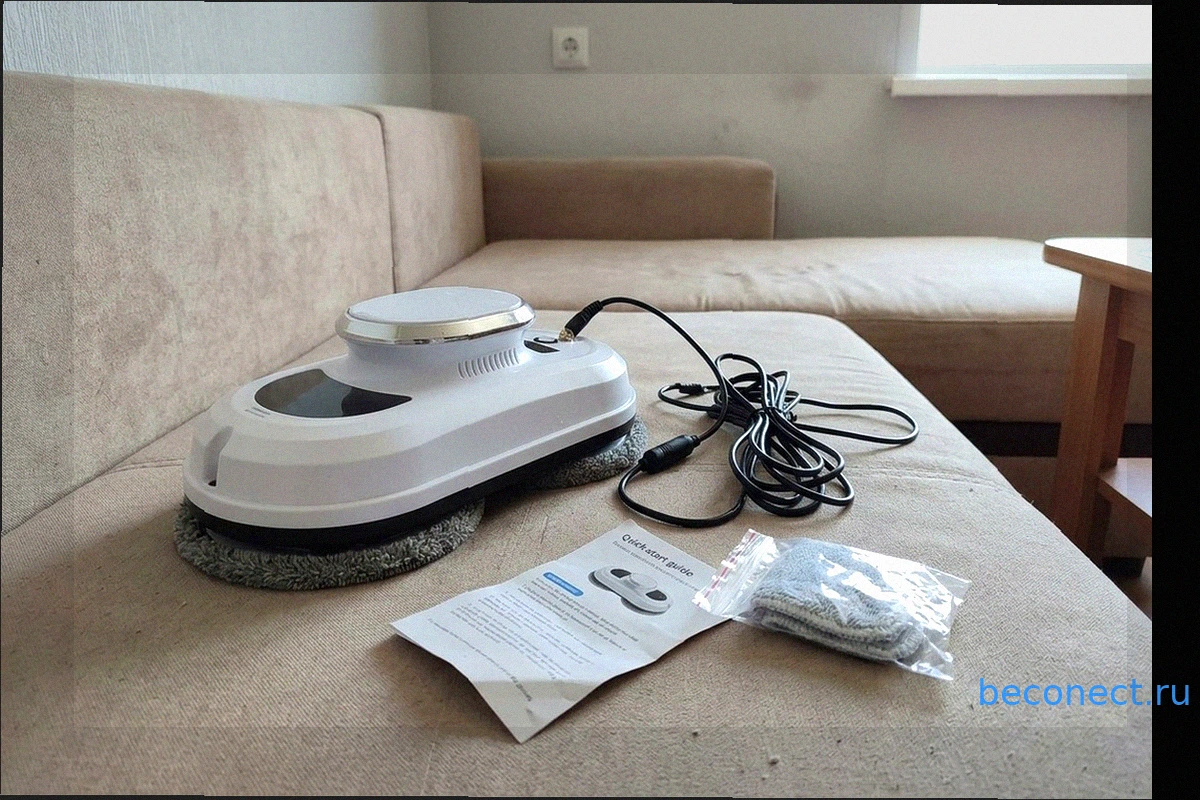
Робот-мойщик окон с AliExpress: Обзор, Плюсы, Минусы и Опыт Использования
Мытье окон всегда было для меня ненавистной рутиной. Даже живя на третьем этаже, я каждый раз испытывал дискомфорт, высовываясь наружу с тряпкой. Признаемся честно: эта та домашняя обязанность, которую большинство из нас откладывает до последнего. Это целый ритуал: ведра, тряпки, средства для